
How Grok’s Visual Tools Can Upgrade Your Small Business Marketing

Grok’s visual tools help small businesses create professional marketing images faster and cheaper. One e-commerce brand boosted social engagement by 25% using them.
Back in the day, graphic images were a task that had to be done. I would either go through vast catalogs of photos myself or have a graphic designer search for stock images that didn’t look like every other company’s. Sometimes, I’d grab my camera and try to put something together that would work.
It’s something I hear from SMB owners and can relate to as I’ve lived it myself. Visual content matters more than it ever has. Data backs this up: posts with images get roughly 2.3 times more engagement on social media, and around 78% of online shoppers say image quality directly affects their buying decisions. But most small businesses don’t have a design team, a photography budget, or the time to learn Photoshop. They’re stuck between knowing visuals matter and not having the resources to do them well.
That’s where Grok for small business gets interesting. Not because it’s the flashiest AI tool on the market (it isn’t, and I’ll be honest about that). But because xAI has built a set of visual capabilities into Grok that most business owners either don’t know about or haven’t thought to use for marketing. Image generation, image analysis, and real-time visual trend research pulled straight from X and the web. An all-in-one interface, without needing a separate subscription to five different tools.
Let me walk through what’s there, what’s worth your time, and a real-world example of how one small e-commerce brand used these tools to bump up their social engagement by about 25%.
What Grok’s Visual Tools Actually Do (And Don’t Do)
Before we get into the practical applications, let’s clear up some confusion. When people hear “Grok image generation,” they usually think of one thing: typing a description and getting a picture. That’s part of it, but it’s not the whole story.
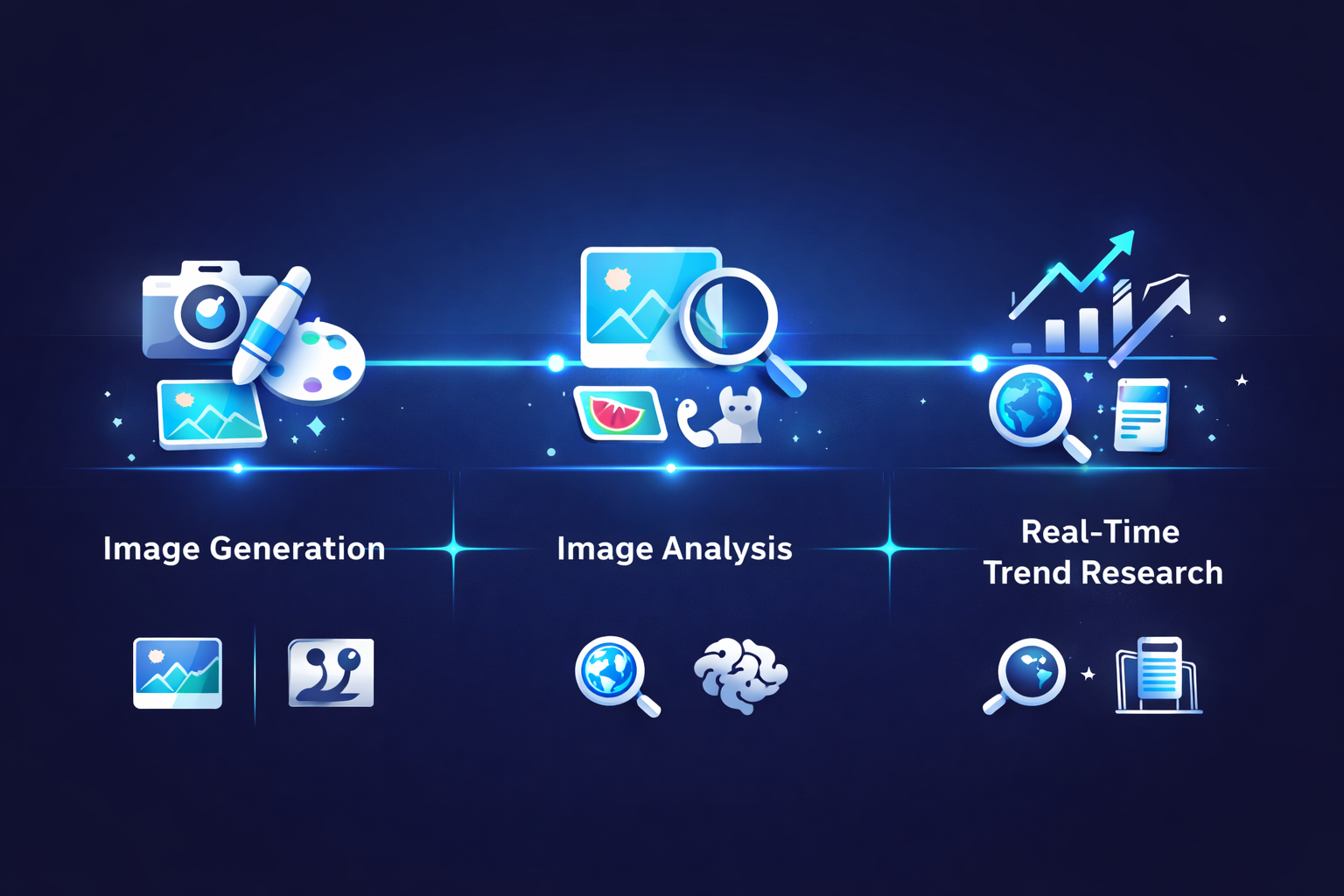
Grok’s visual toolset in 2026 includes three distinct capabilities, and understanding the difference between them matters if you want to use them effectively for your business.
1. Image Generation with Aurora
This is the headline feature. Grok uses an image model called Aurora (and its newer iterations) to create original images from text descriptions. You type something like “a professional photo of a clean, modern dental office waiting room with warm lighting,” and you get an image. The quality has improved considerably over the past year, and for certain use cases, the results are genuinely usable without any editing.
Generation speed is one of Grok’s genuine strengths here. Most images come back in under five seconds, which means you can iterate quickly. Try a prompt, adjust it, and try again. That rapid feedback loop matters when you’re a business owner who has 20 minutes between meetings to knock out a social post.
2. Image Analysis and Understanding
This one gets overlooked. You can upload a photo to Grok and ask it questions about what it sees. A restaurant owner could photograph a competitor’s menu and ask Grok to analyze the pricing strategy. A retailer could snap a picture of a shelf layout from a trade show and get merchandising suggestions. An HVAC company could upload its truck wrap design and ask for honest feedback on readability.
It’s not magic. But it’s like having a second set of eyes that happens to be available at 11 PM when you’re finally getting to marketing tasks.
3. Real-Time Visual Trend Research
Here’s where Grok’s integration with X (formerly Twitter) becomes a marketing advantage. Because Grok can search both the web and X posts in real time, you can ask it things like “what visual styles are trending for coffee shop branding right now” or “show me what kind of product photography small jewelry brands are posting this week.” It pulls current examples and can describe what it finds, giving you a real-time pulse on what’s working visually in your niche.
For a small business AI marketing strategy, that kind of competitive intelligence used to require hiring a

30+ years of research strategy on projects for Oracle, Cisco, PayPal, and Walmart — now helping small businesses adopt AI that actually delivers.
More about George →Keep reading

AI renders faster and drafts proposals in minutes. But building codes, site conditions, professional liability, and field decisions remain structural limits no model handles.

Only 43% of associations can access their own member data. AI cannot fix what it cannot see. A practical guide to fixing the data foundation before buying AI features.

Solo architects and small design firms spend too many hours writing proposals that look like last month’s. AI can cut the assembly