
Someone Bugged OpenAI. Your Office Would Be Easier.
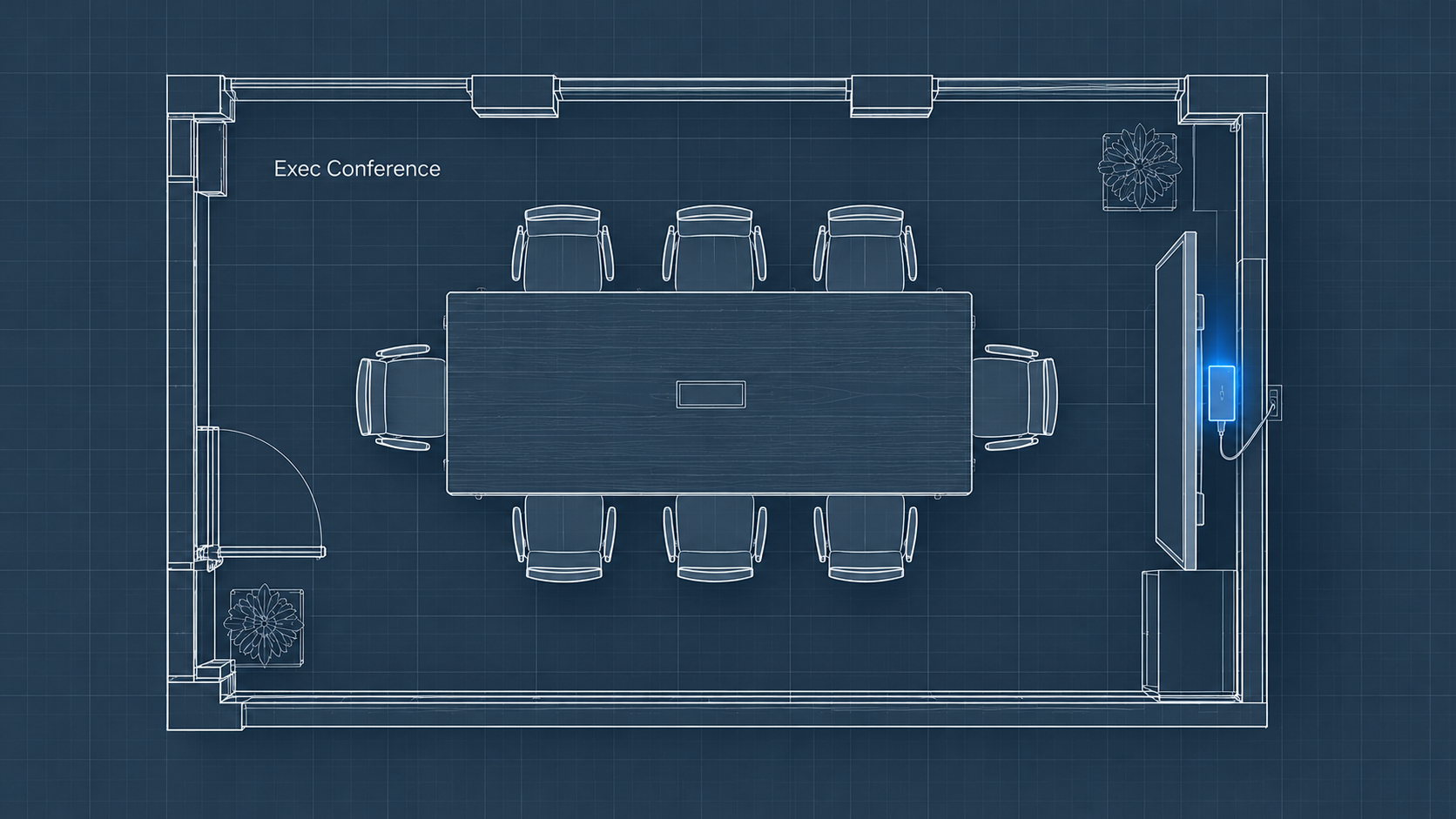
Prosecutors say an OpenAI engineer found the right room through ordinary office tools first. Your shared calendar is the same map, and closing it takes an afternoon.
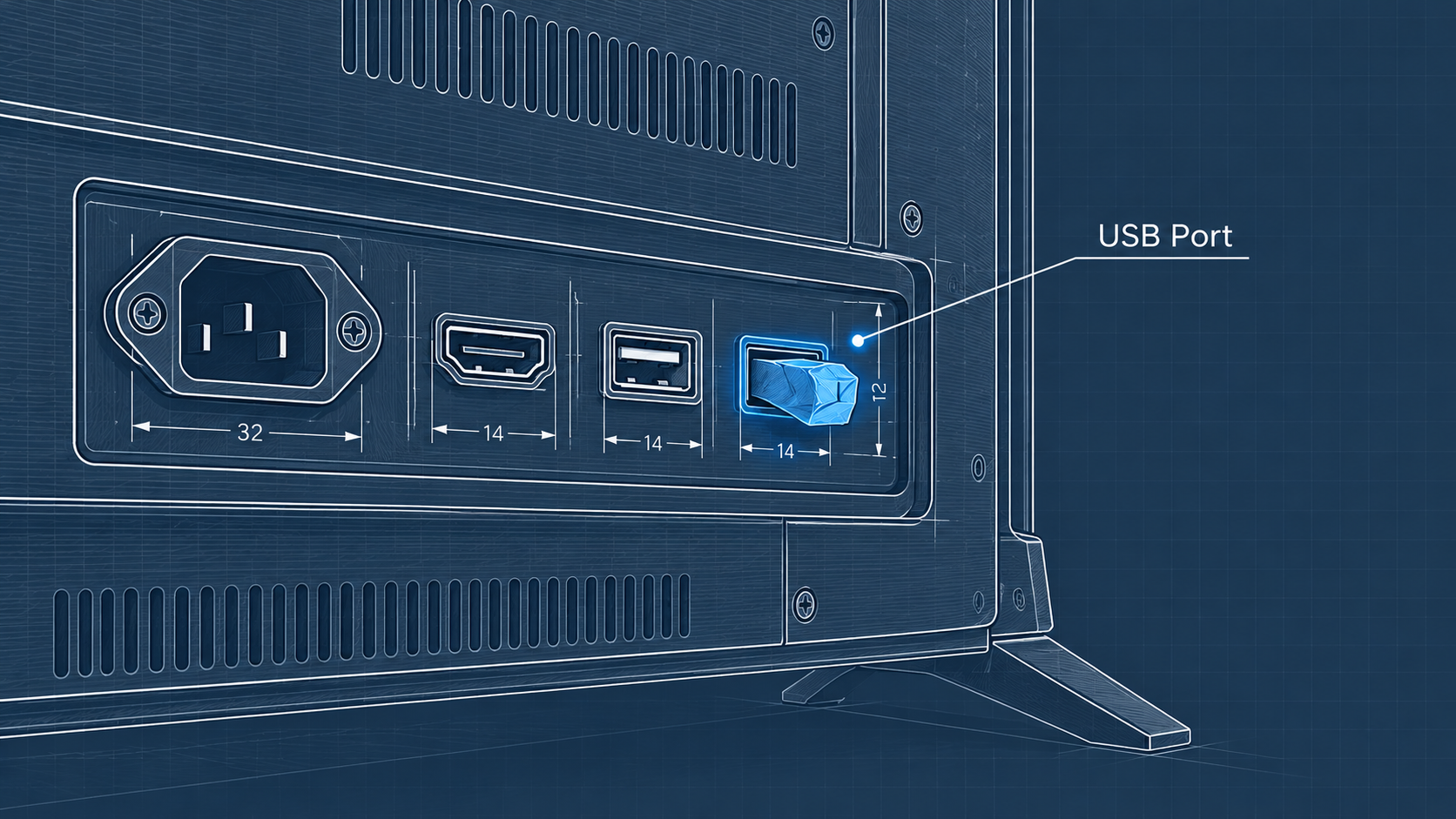
Turn a conference room TV around and you’ll find the usual tangle of cables behind it. A power cord and an HDMI cable, plus a couple of USB ports nobody ever notices. A few weeks ago, OpenAI staff discovered a recording device inserted into one of those ports, behind the screen in an executive conference room at the company’s San Francisco office. It was wrapped in toilet paper.
Toilet paper. In the room where one of the most high-profile companies in the world holds its leadership meetings.
Federal prosecutors have charged an engineer who worked there with planting it. Everything in the complaint is an allegation at present, and he’s presumed innocent until a court says otherwise. OpenAI says it has found no evidence that any of its code or customer data was taken.
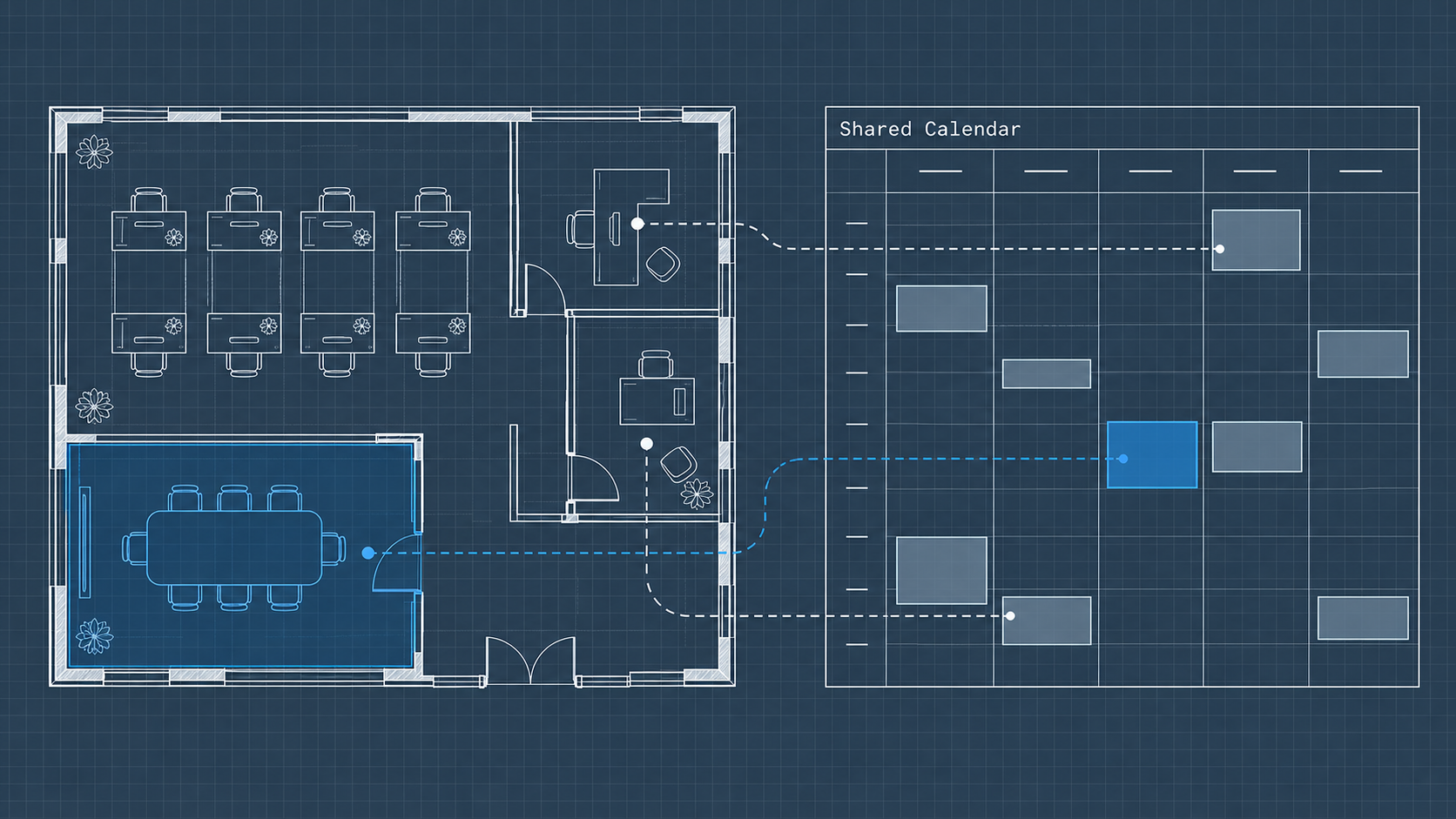
The device made the news, but the part that caught my attention happened before anything was plugged in. According to the Justice Department, the engineer allegedly began with research. He used a workplace productivity tool to identify meeting rooms and how many people each one held. After that came questions about calendars and about where meetings with “leadership and exec” were held.
He didn’t need to illegally access anything. By the government’s account, the office’s own systems identified the right room for him.
Why a Small Office Is a Softer Target
I suspect that most owners will read this as a Silicon Valley spy story with nothing to say about a 15-person firm. I read it very differently.
OpenAI had surveillance video, and that footage later placed the engineer near the room on a number of prior days. It had a security staff that knew what it was looking at. Your office probably has neither of those, and you’d still be sitting on the same information he allegedly used.
Open the shared calendar at an average 20-person company and look at the entries. Who’s meeting the bank on Thursday? When the partners are speaking with an attorney. And the invite with an employee’s name on it, set for the week before her last day (anyone with calendar access can read that title too).
The complaint doesn’t say what kind of productivity tool the engineer used, and for a small business it makes little difference. A coworker used to have to sift through weeks of someone else’s schedule to identify a pattern. Connect an AI assistant to the company calendar, and that same question can be reduced to one sentence typed into a chat box: when is the owner meeting with the bank? I appreciate these assistants and recommend them. But whatever an assistant can read, anyone who can type a question into it can learn, and I’d bet most owners haven’t checked what theirs can read.
The case has another AI dimension. In the OpenAI case, the prompts about building and hiding a recorder allegedly came from a chatbot account tied to the engineer’s spouse rather than to his work identity. Investigators made the connection later, because that account allegedly shared identifiers with his own.
Small businesses have their own version of that weakness. Verizon’s 2025 Data Breach Investigations Report looked at browser activity on work devices and discovered that approximately one in seven employees used generative AI tools on a regular basis. That appears small until you consider the number of employees in your own office.
Imagine a sales rep with a free chatbot account on his personal email. He uploads this quarter’s customer list into it to draft follow-up notes, which is a reasonable thing to want help with. The list now ends up in an account the company didn’t create and doesn’t control. If he leaves for a competitor later in the year, the information remains in his account.
Of the employees using those tools, Verizon counted 72% signing in with a non-company email address instead of a company one (roughly three-quarters). Most of those people aren’t being deceptive. Nobody set up a work account for them, so they used whatever was handy.
Most Insider Threat Risk Looks Ordinary
None of this means your bookkeeper is installing bugs.
The Ponemon Institute’s 2026 study of insider risk counted negligent incidents at about twice the rate of malicious ones. (DTEX, which sells insider risk software, sponsored the study, so consider the source.) That matches what basic intuition would tell you. Say an employee shares the pricing sheet to a personal account so she can finalize a proposal on Saturday. She isn’t a spy. She’s trying to get it done.
The same study put the average time to contain an insider incident at 67 days. Two months. In a business where the owner still signs every check, that’s a long time for anything to run unnoticed.
Only 13% of incidents in that study were resolved inside a month. Remember who was in the sample: organizations whose insider risk costs average in the millions every year. I’d expect a small firm with no security staff to respond more slowly, not faster.
So the more relevant insider threat question for a small business isn’t whether you employ a spy. Ask how much your everyday tools expose to anyone who’s careless or curious. Or angry, on a bad day. The settings that delay a malicious employee also safeguard you from the tired one.
Three People Knew
I also run a user research firm called Naviscent. We once ran a project for the office of the CTO at an enterprise technology company. The work was so sensitive that our research participants were recruited from the client’s own employees. Each one signed an NDA on top of their usual one, and none of them were allowed to discuss the project.
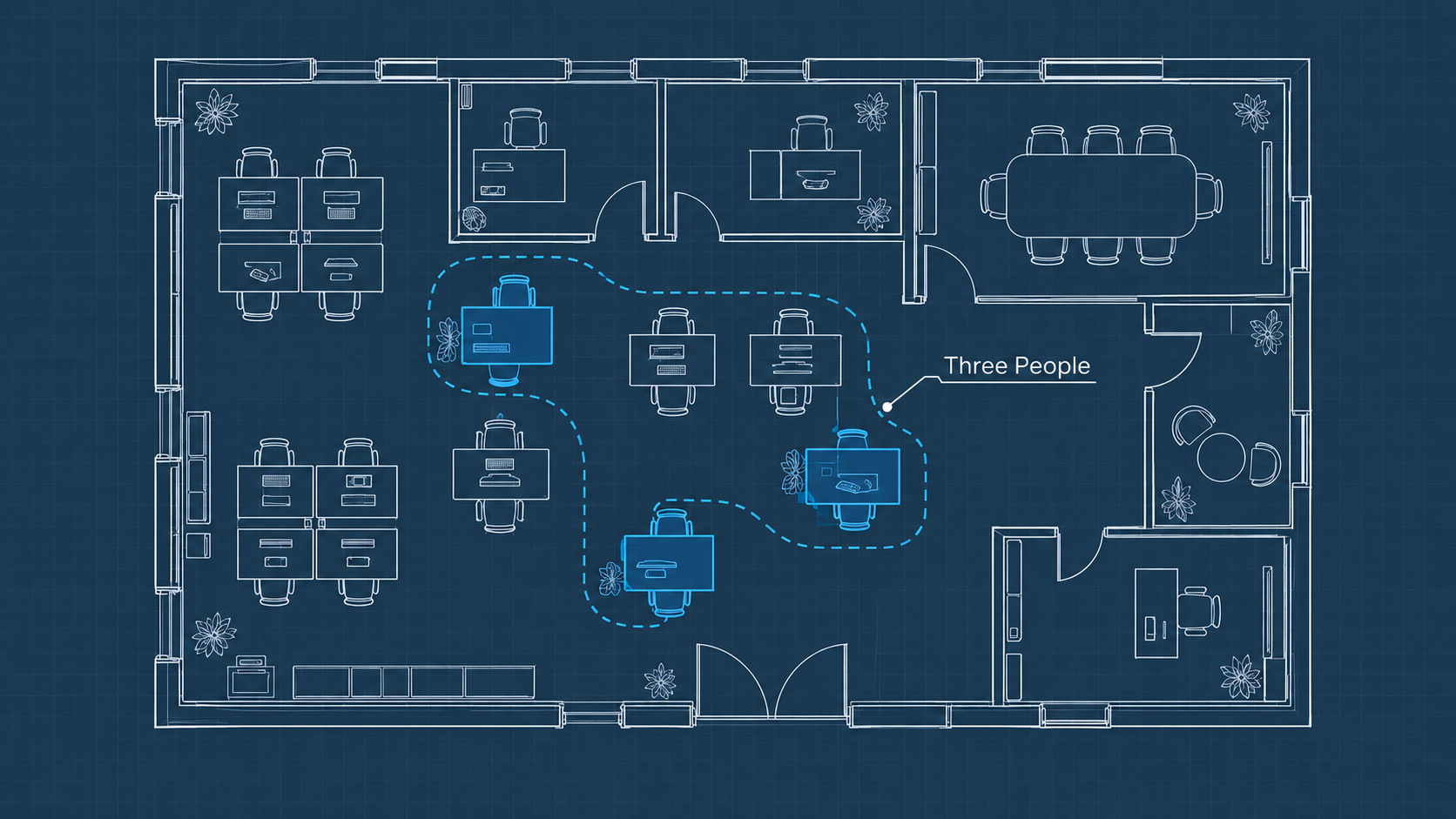
Inside our company, three people knew the project even existed.
We were a small business. We had no security department and no special software. What we had was a set of established practices. Our internal emails didn’t identify the client. They didn’t identify the project, and they never mentioned anything specific to it. We understood how confidential the information was, and we had no reason to say more than the work required. The easiest way to protect the information was for very few people know it existed.
The product is shipping now. I still don’t talk about it.
Habits.
It cost us nothing. It was a small firm deciding, every day, what didn’t need to be named. The information belonged to an enterprise, but the way we protected it was practical small-business discipline. A small group knew the rules, and they were disciplined about what went into an email. You can adopt that approach this week without spending a dime.
An Insider Threat Plan That Fits a Small Office
Begin with the calendar, because that’s where the OpenAI story started. Both of the major office suites let an administrator decide what teammates see on each other’s calendars. Set the company default visibility to free/busy, so people can tell you’re booked without seeing who you’re meeting or why. Give all meeting details to the one or two people who schedule for you. Everyone else sees a blocked time slot, and a gray block is all anyone needs to find a meeting time.
Sensitive meetings deserve nondescript titles. A layoff conversation can go on the calendar as “Hold.” The same goes for a sale of the business. Hold those talks somewhere other than the shared meeting room, too: your office with the door shut or a coffee shop down the street.
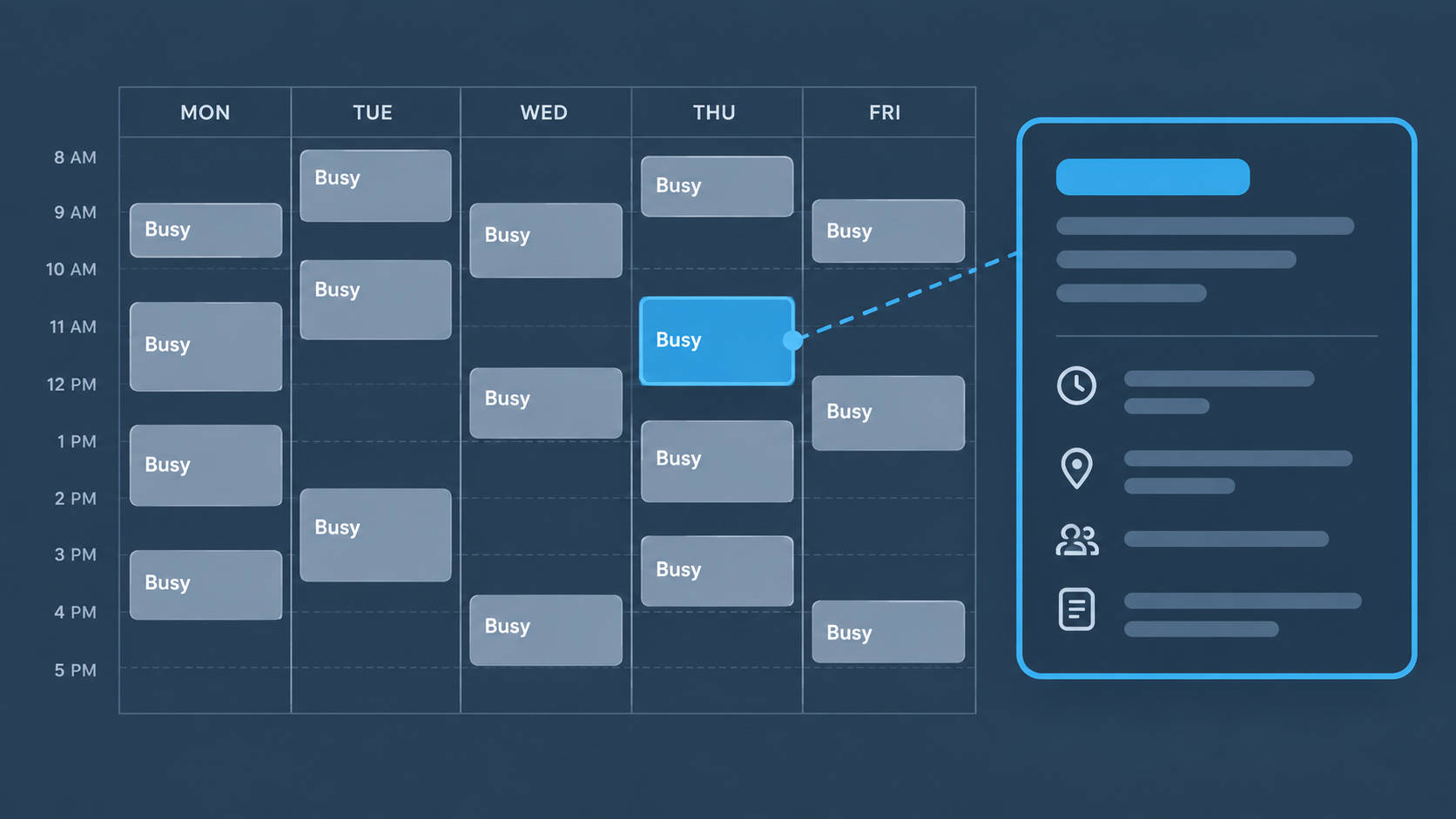
AI accounts belong on the company email. If your team uses AI tools for work, pay for the business tier and have everyone sign in with their work address. You get an administrative dashboard of who has an account, and you can disable access the day someone leaves. Before you connect an AI assistant to all company files and calendar, ask who needs that level of visibility. Most roles need a folder.
Walk your meeting rooms. Ten minutes a quarter. Check the backs of screens and any spare ports.
Assign someone to hear the “this doesn’t look right” reports, like a calendar invite nobody recognizes or an app nobody authorized.
For most owners, that whole set of changes is one afternoon of settings and a short conversation with the team.
Keep the Trust You Already Have
Small teams run on trust and informal access, and that’s an advantage worth keeping. Lock everything down and scheduling gets bogged down. People start to feel watched, and the good habits you wanted never catch on.
So tell your team why you’re making these changes. Point to the OpenAI story. Then explain that the same settings safeguard them: a performance review or a medical leave doesn’t belong on a calendar the whole office can read either. People follow policies that make sense.
Test this before the week is out. Open your shared calendar the way your newest team member sees it. What could they learn about the next three months of your business?
Good information beats good intentions. Galyx™ was built for owners who know AI matters and want a guide who has been in the trenches.
My book, Smart AI for Small Business, arrives November 2.
Register at Galyx.com for more insights and guidance.

30+ years of research strategy on projects for Oracle, Cisco, PayPal, and Walmart — now helping small businesses adopt AI that actually delivers.
More about George →Keep reading
The word of the year blames the machine. The machine is not the variable. What everyone calls AI slop is almost always human slop.

Galyx.com: AI Guidance for Small Business. AI isn't just for companies with big budgets. It takes away mundane tasks so you can spend your time on your business.

AI watermarks are coming. But the bias built into AI detection could cost your business its best people. Here’s what small business owners need to know.